Keep your imported decks fresh — without losing a single review
Here's a frustration anyone who studies from shared decks knows well. You find a great deck — a med-school anatomy set, a language frequency list, a board-exam pack — import it, and start reviewing. Weeks go by. You build a real review history: difficulty tuned to your forgetting curve, intervals stretched out to months, hundreds of Again / Hard / Good / Easy ratings logged against each card.
Then the author ships an update. They fixed a typo on card 412, added 30 new cards, rewrote a few answers, swapped in better images. You want those changes. But the obvious move — re-import the new .apkg — is a trap. A normal re-import treats the file as a brand-new deck. You either end up with two copies of nearly-everything, or you delete the old deck first and throw away every minute of scheduling history you built. The new deck starts from zero. Every card is "new" again.
That's the wrong trade-off, and Discito doesn't make you take it.
Non-destructive deck re-sync
Discito Pro adds a re-sync flow built for exactly this moment. Re-import an updated .apkg into a deck you already have, and instead of treating it as a fresh deck, Discito merges the author's changes into your existing one — and your FSRS scheduling survives intact.
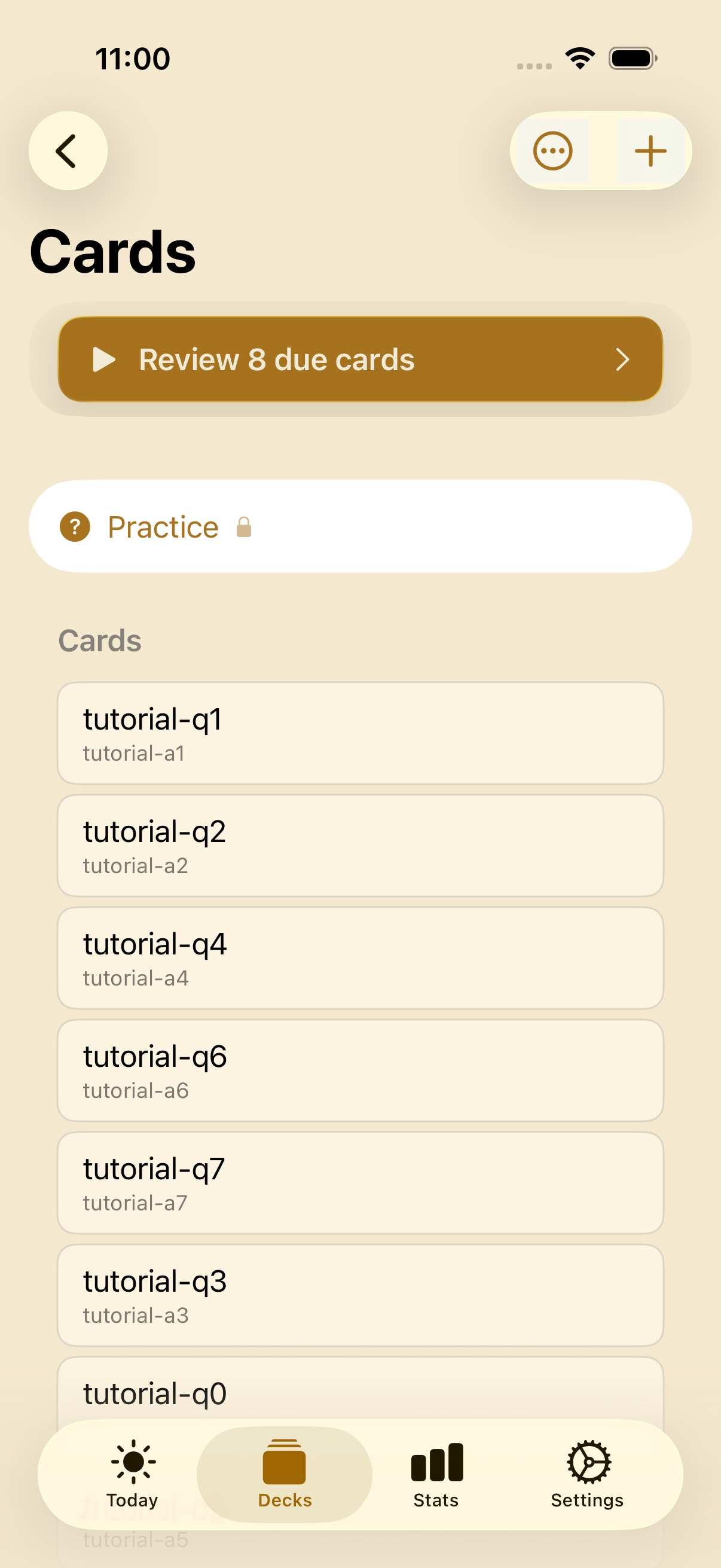
Keep your imported decks fresh — re-sync a newer .apkg and merge the author's updates without losing a single review.
The merge is surgical because cards are matched by their stable identity (the GUID the deck author assigned), not by position or by content. That identity is what lets Discito tell the difference between "this is the same card, the author edited its answer" and "this is a brand-new card." Nothing is guessed.
What happens to each card
When you re-sync, Discito walks the updated archive and reconciles it against the deck you already have:
- New cards — cards in the update that you don't have yet are added to the deck as genuinely new, ready to learn.
- Edited cards — when a card you already have was changed by the author, its content and media (images, audio) are updated in place. Crucially, your per-card FSRS state carries straight through: interval, difficulty, stability, and due date are untouched.
- Removed cards — cards the author dropped from the new version are suspended, never silently deleted. Nothing you've already studied disappears out from under you; if you want them gone, you delete them yourself.
- Untouched cards — everything the author left alone stays exactly as it was, scheduling and all.
The result is a deck that has the author's latest content but your learning history. The cards you've drilled for months stay drilled. The new material slots in alongside them and enters your review queue like any freshly-added card.
Cross-device safe
Discito syncs across your devices through iCloud (free, no account). The re-sync respects that: if you re-sync a deck on your iPhone, your iPad picks up the updated content while keeping its own scheduling state. The merge writes content and structure; per-device scheduling is reconciled through CloudKit's standard conflict resolution. Update once, study anywhere — no double-merges, no clobbered progress.
The first import is always free
Importing a deck for the first time is — and always will be — part of Discito Lite, the free tier. You never pay to bring a deck in.
The ongoing update flow — the non-destructive re-sync — is a Discito Pro feature, because it's the kind of long-term, keep-my-library-current value that fits the Pro tier. And as with every Pro feature, you get a free taste before you decide: Lite users get five free re-syncs. Run it once on a deck that actually got an update, watch your scheduling survive the merge, and then decide whether it's worth $14.99.
That's the whole pricing story, by the way: $14.99 once. Lifetime. Family Sharing included. No subscription, ever. Pay once, own forever.
Why this matters for shared decks
Shared decks are how most people get serious about spaced repetition. Someone who has already done the hard curation work publishes a deck; thousands of learners benefit. But a deck is a living thing — authors fix mistakes, add cards, respond to feedback. Without a re-sync path, every learner faces the same bad choice each time the deck improves: stay frozen on a stale version, or nuke their progress to get the update.
Non-destructive re-sync removes that choice entirely. You can follow a deck's updates the way you'd follow a podcast — new episodes show up, the back catalog stays put — and your months of accumulated review history keep working for you the entire time.
Credits and gratitude
The scheduling state that re-sync so carefully preserves is FSRS-6, the work of the Open Spaced Repetition project. Their algorithms — and the bit-exact reference implementations Discito ports — are what make a card's interval, difficulty, and stability meaningful enough to be worth protecting across a merge. The scheduling math is theirs; Discito's contribution is an iOS-native shell that treats your review history as something worth keeping.